Ballai Input & Tutorial Framework for Unity
Ballai Input & Tutorial Framework
A modular Unity framework for input prompts, active-device detection, runtime rebinding and tutorials that automatically follow the player's current controls.
Designed for projects that need clear keyboard and controller prompts without hardcoding UI text or manually updating tutorials after bindings change.
Core Features
- Dynamic keyboard and gamepad glyphs
- Automatic active-device detection
- Current effective binding detection
- Runtime input rebinding
- Automatic prompt updates after rebinding
- InputActionReference-based workflow
- Binding-aware tutorial prompts
- Generic information tutorial popups
- Reusable input icon library
- Designed for modular integration
Dynamic Input Glyphs
Show the correct input icon based on the player's current device and effective binding.
Prompts can automatically change when the player switches between keyboard and gamepad input.
This makes the system suitable for:
- Interaction prompts
- HUD action hints
- Tutorial messages
- Control menus
- Rebinding screens
Runtime Rebinding
Allow players to change their controls during gameplay and keep the rest of your UI synchronized with the new bindings.
Because prompts resolve the current effective binding, a tutorial does not need to assume that Jump is always Space or that Interact always uses the same button.
Binding-Aware Tutorials
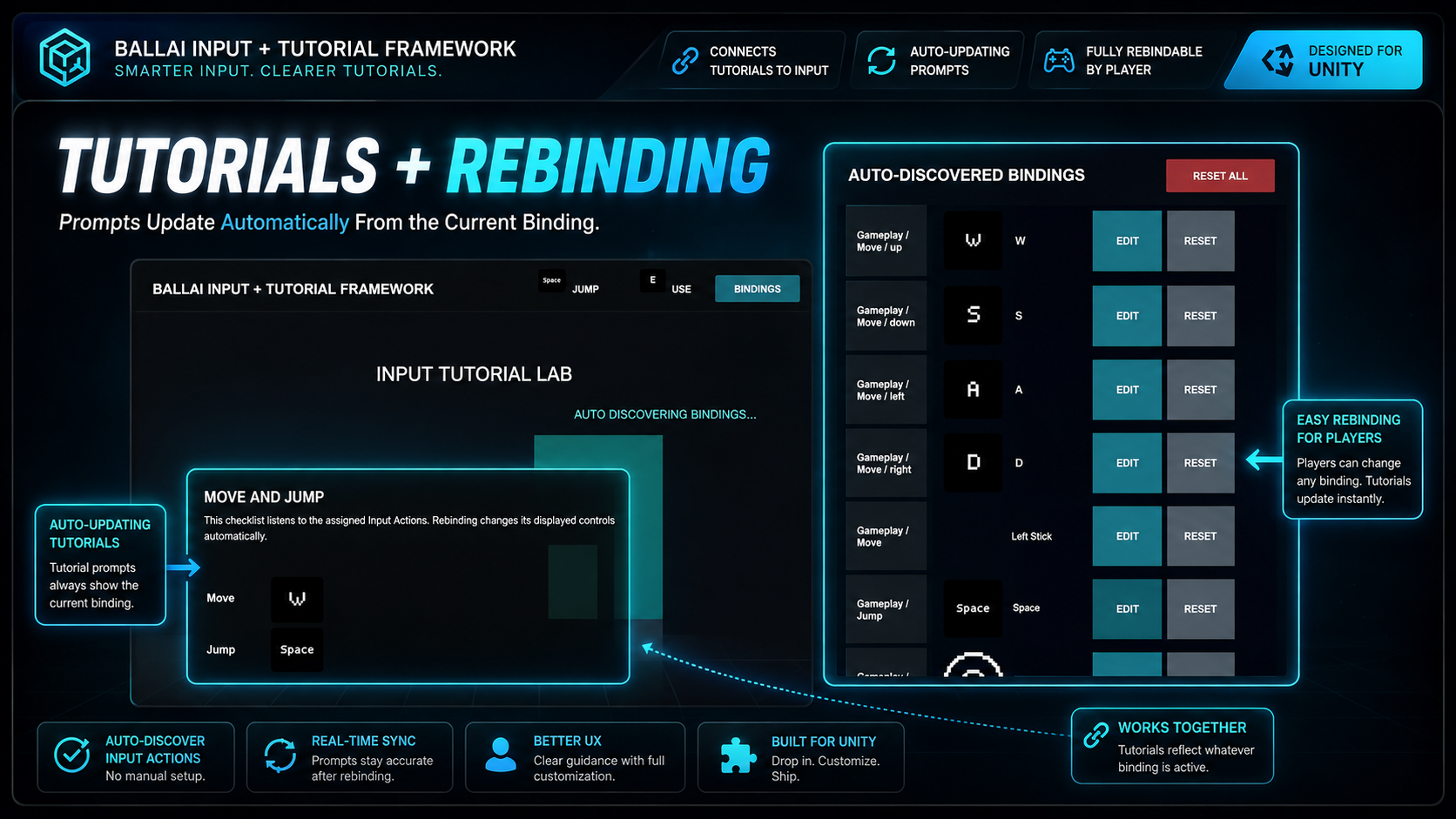
Tutorial messages can reference actual input actions instead of hardcoded key names.
If the player rebinds an action, the tutorial prompt can display the updated key or button automatically.
This helps keep onboarding UI accurate without manually maintaining separate keyboard and controller text.
InputActionReference Workflow
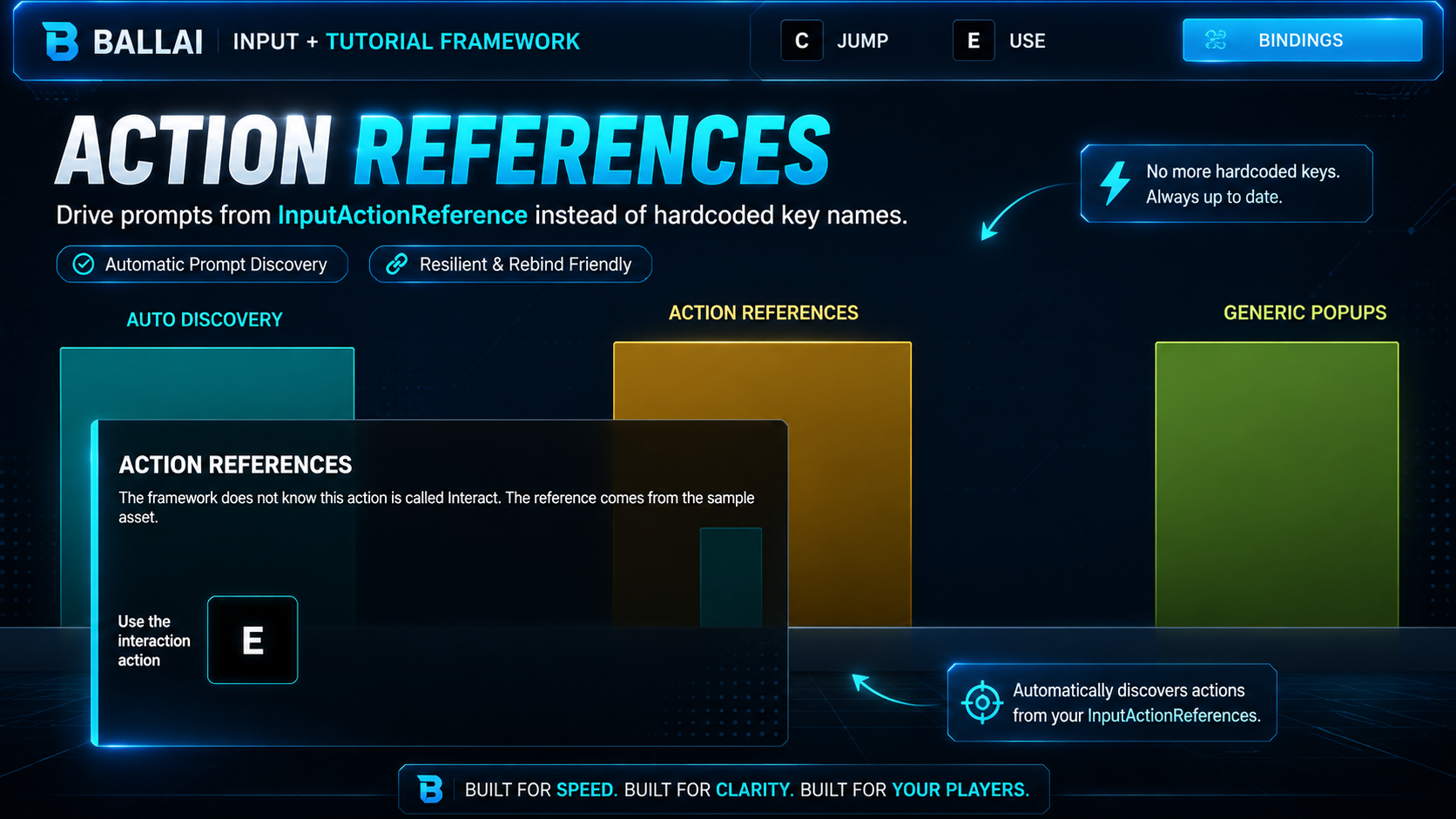
The framework uses Unity Input System action references instead of relying on hardcoded action names.
This keeps setup more flexible and makes the components easier to reuse across different input action assets and projects.
Input Glyph Library
Includes a ready-to-use input icon library for common keyboard, mouse and gamepad controls.
Glyph lookup is separated from gameplay logic so the icon set can be extended or replaced to match your project's visual style.
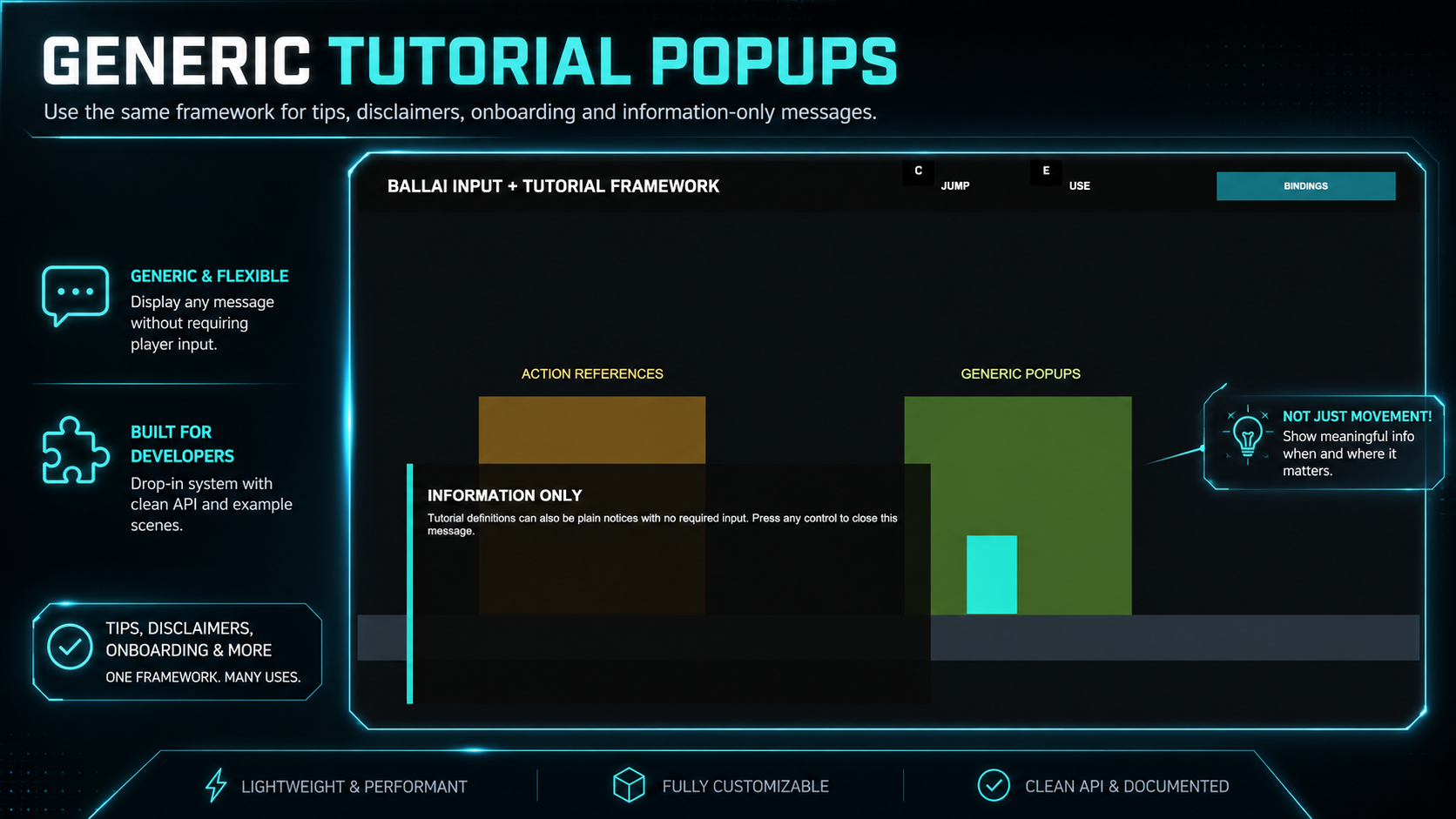
Not every tutorial needs an input action. The framework also supports information-only tutorial messages for mechanics, warnings, discoveries and other onboarding content.
Suitable For
- RPGs
- Metroidvanias
- Platformers
- Action games
- Adventure games
- 2D and 3D Unity projects
Rebind an action, switch devices or change the active control scheme and let the framework update the visible input prompts automatically.
Purchase
In order to download this tool you must purchase it at or above the minimum price of $12.49 USD. You will get access to the following files:
Leave a comment
Log in with itch.io to leave a comment.